500+ layouts
Choose classic, stylish, freestyle and vertical stitch layouts for up to nine photos.
 CollagePlusPhoto collage and creative editor
Build with 500+ layouts, freestyle placement, grids, text, stickers, cutout tools, filters and backgrounds—wherever inspiration finds you.
Contains ads and in-app purchases. Availability and features can vary by platform.
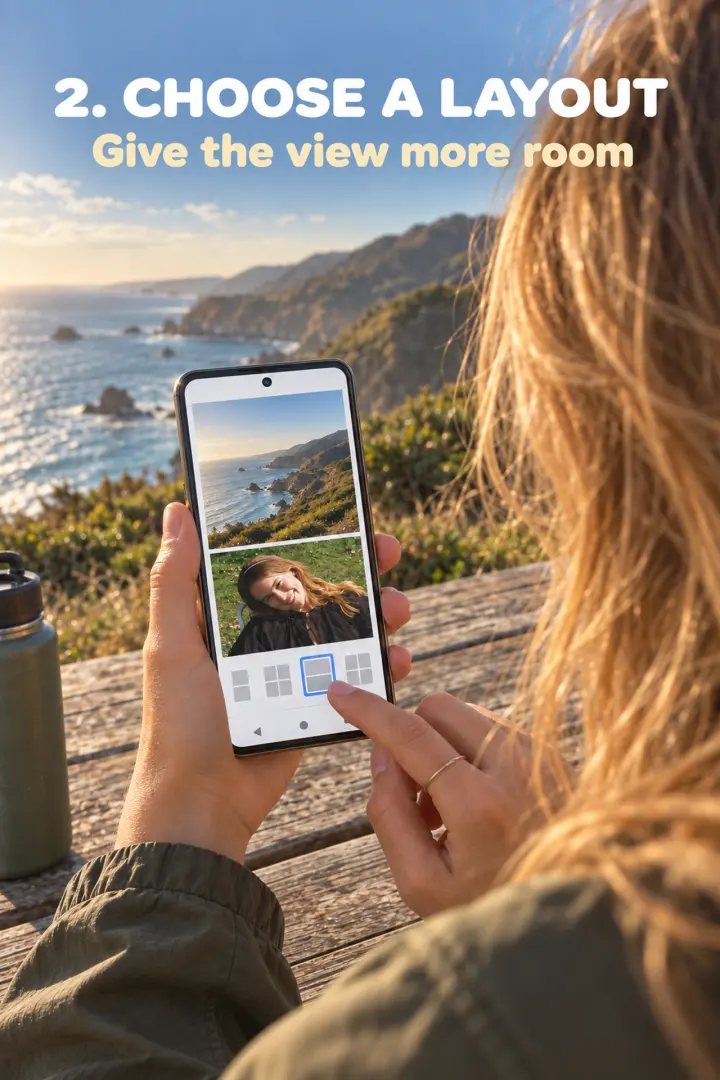
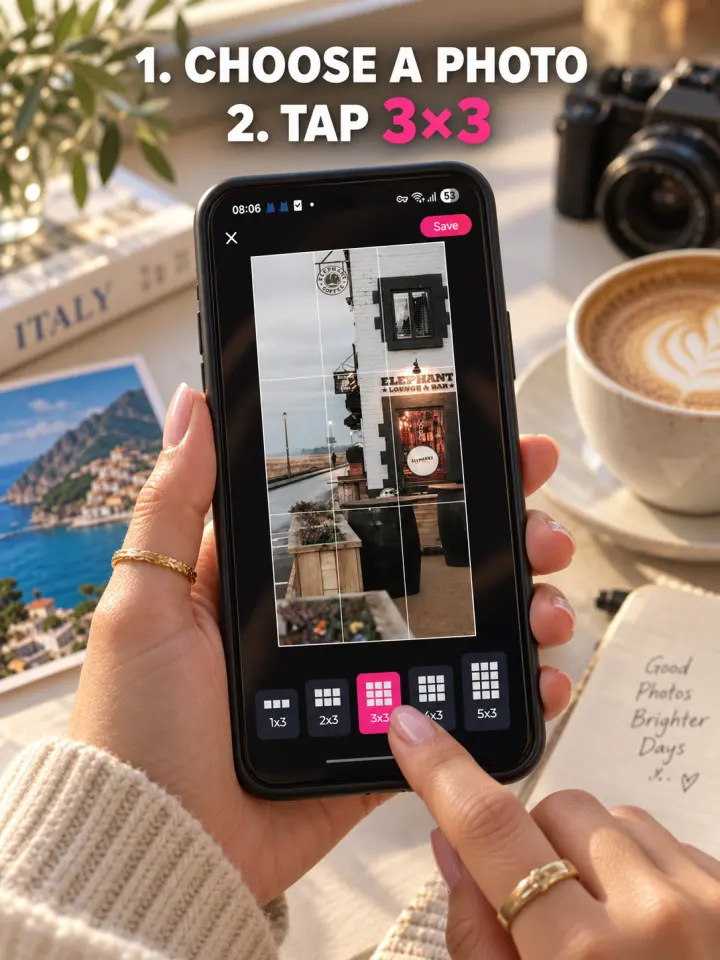
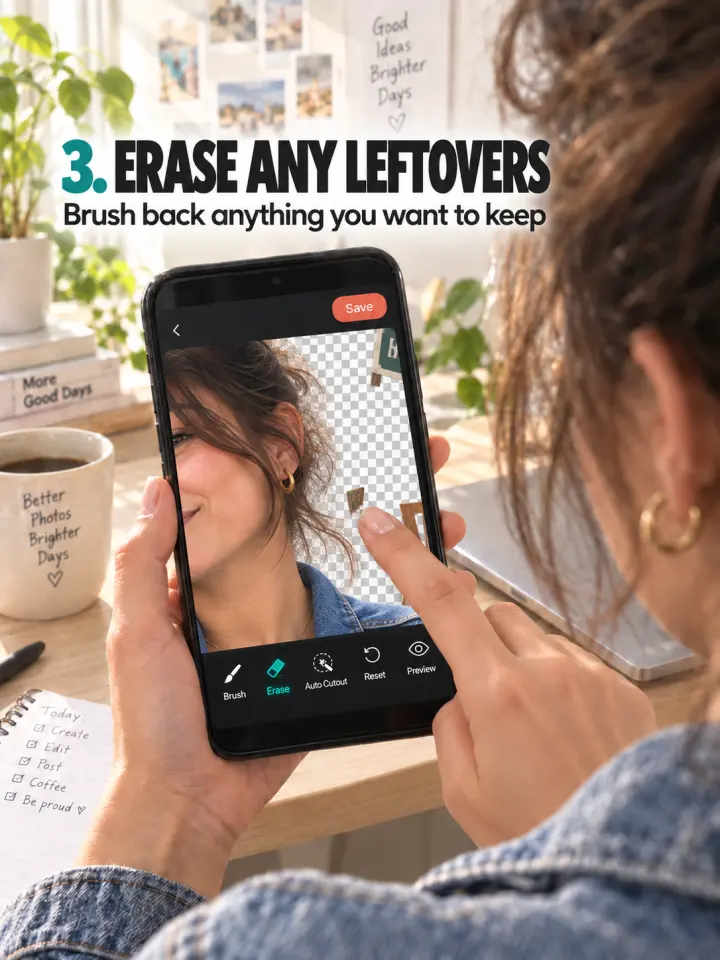
These product views show the CollagePlus creation flow—from arranging a collage to building a grid and refining a cutout.
Use the browser when you need one focused result. Open the app when you want a broader creative workflow.
Choose classic, stylish, freestyle and vertical stitch layouts for up to nine photos.
Create profile grids and split-photo compositions with visual guidance.
Add words, birthday elements, emoji, notes and other creative details.
Remove a background and refine the subject for a fresh composition.
Crop, scale, rotate and work with filters, colors and backgrounds.
Work with common aspect ratios and export in high-definition formats.
You do not have to install anything to use or export from the website.
| Capability | Browser tools | CollagePlus app |
|---|---|---|
| Best for | One quick, focused task | End-to-end creative editing |
| Collage layouts | Curated lightweight layouts | 500+ layouts and freestyle designs |
| Utility tools | Grid, stitch, compress, convert and resize | Collage, grid, stitch and photo editing |
| Creative editing | Simple crop, spacing and color controls | Text, stickers, filters, backgrounds and cutout |
| Privacy model | Photos processed locally in the browser | See the store privacy details for each platform |
| Account | No account required | Download from your device's store |
| Export | Available directly on every working tool | High-definition image output |
Choose your device's official store. Store-click measurement uses only the page, tool, button position, platform category and destination—never your photos or an account identity.
Apple and the Apple logo are trademarks of Apple Inc. Google Play and the Google Play logo are trademarks of Google LLC.